Your Saturday on one screen, before it starts
How many people are booked in, how many are working and what the weather does are three separate places today. Whoever opens the shift makes the comparison in their head, and usually makes it too late.


YoucannotmakeabusySaturdayquieter.YoucanseeitcomingonThursday.
What is on that screen?
One day at a time, with everything worth knowing about that day next to each other: every booking and its status, how many places are still free, who is on that day, and what the forecast says per hour. Nivora builds it as a single picture that can hang behind the bar, so that whoever opens the service does not first have to open three programs and a chat window to find out what is coming at them.
What is on it is what you actually use that day. No quarterly turnover graph and no wall of fourteen tiles, because that is exactly what stops being opened after three weeks. If something on the screen does not change a decision that day, it comes off.
The screen is also where the day changes. A group that drops out, a bed that comes free, somebody who calls in sick: it gets entered here once and the rest follows, so the kitchen is not still prepping for twenty at six.
Why nobody sees the whole day today
The bookings sit in one system or in a chat window, the rota is on the kitchen wall, and the forecast is on the phone of whoever happened to look at it. Nothing is wrong with any of the three, they are simply never in the same place at the same time.
So whoever opens the service does not know what is coming. They see the tables that are laid, not the group of twenty walking in at eight, and not that two of the four people down for tonight are new.
And a change does not reach everybody. A group cancels at four, the kitchen hears about it at six, and there is mise en place standing ready for twenty people who are not coming.
How this is put together
One day at a time
Today, and tomorrow next to it. The season as a whole is a different question and it gets a different answer at a different moment. What this screen has to answer is what somebody standing behind the bar at ten in the morning needs to know, and that is a short list.
It hangs where it is used
On a tablet behind the bar, on a screen in the kitchen, on a phone in a pocket. Big enough to read from a metre away with wet hands, which rules out most of what a dashboard normally looks like. Everybody sees the same day, so nobody has to ask.
What changes, changes everywhere
A cancellation, an extra group, somebody swapping a shift: it is entered once, in one place, and it is immediately the truth for the bar, the kitchen and whoever is doing the ordering. That is the whole point of putting it on one screen rather than in four.
Other solutions for a beach bar
The rest of what we build for this trade. Each one is a separate thing you can ask for.
Who works Saturday
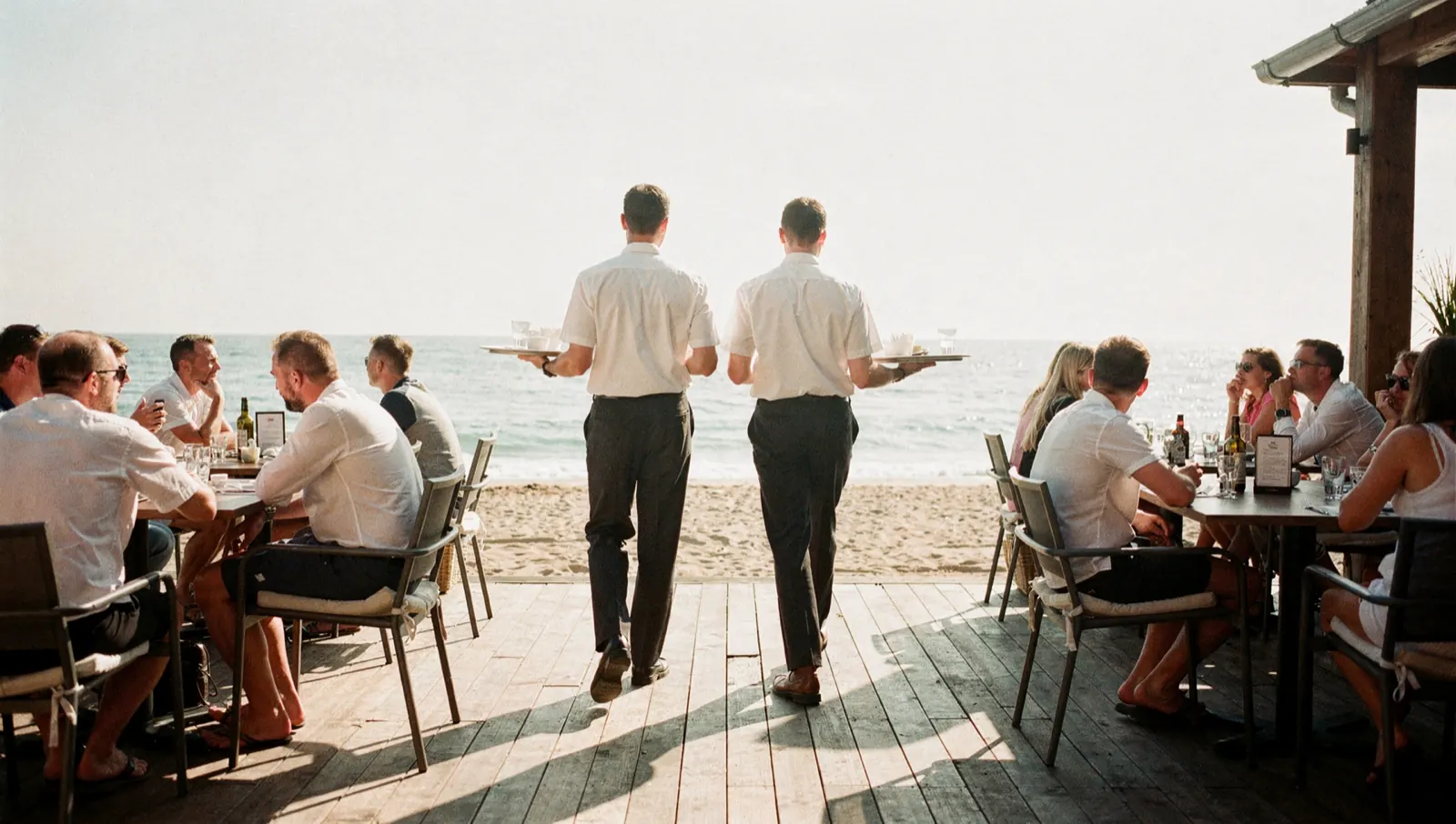
Your team marks its own availability and enters its own hours after the shift. You confirm one list instead of counting fifteen messages.
See what this looks like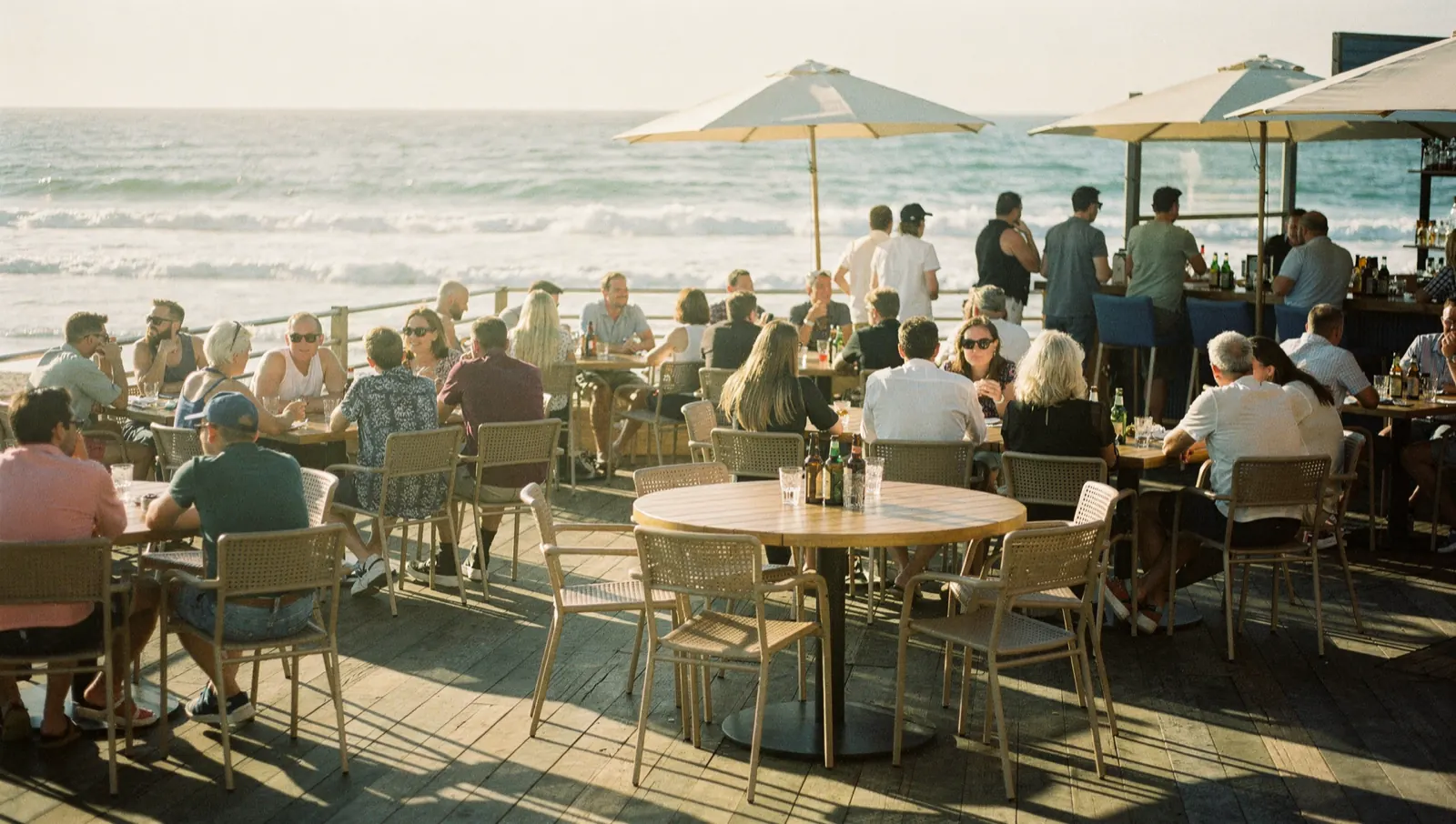
How busy it gets
One sheet every evening for the day after tomorrow, out of your own till, the weather and the tide, with an honest monthly score.
See what this looks like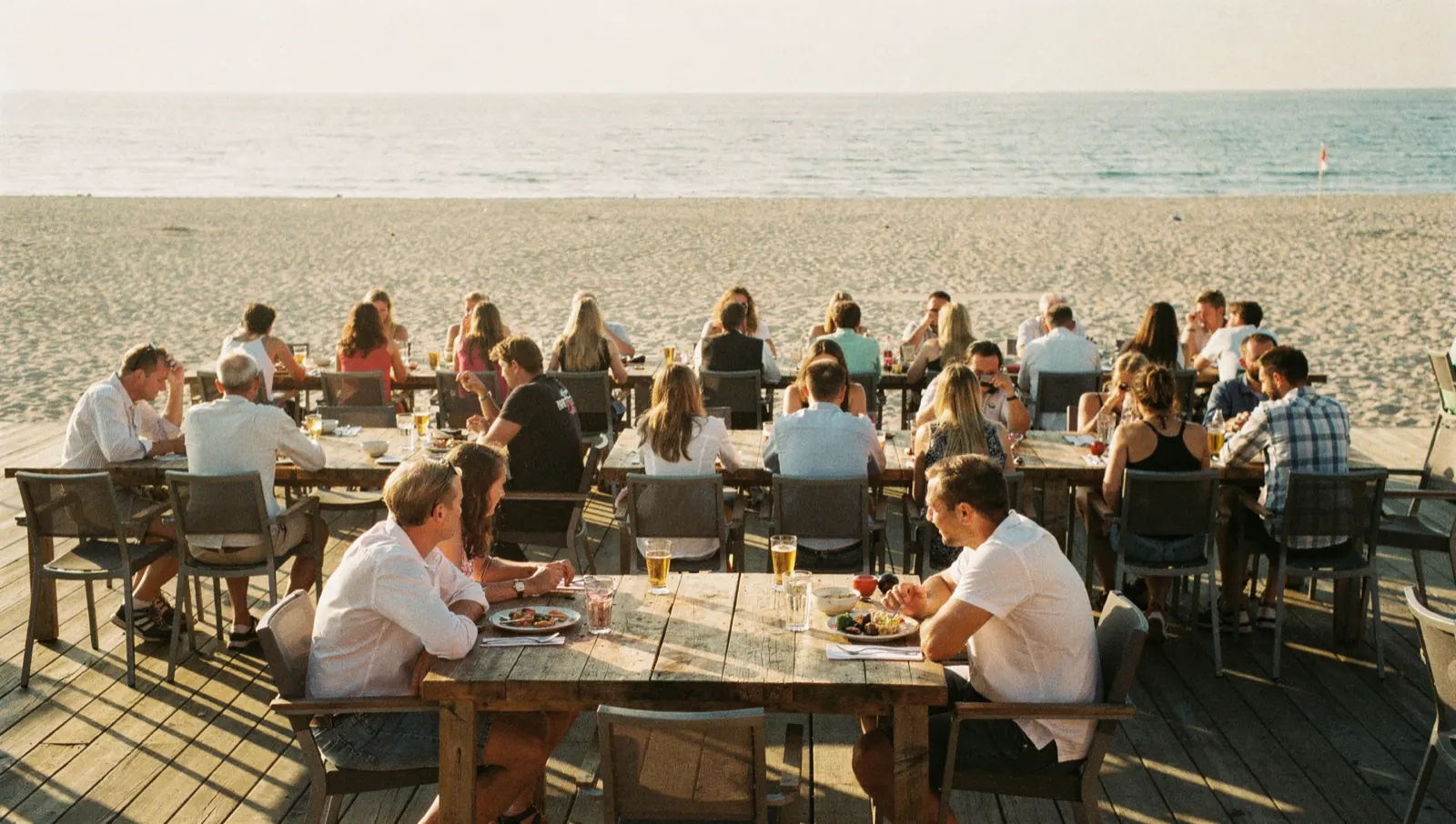
Off WhatsApp
Your guest books through your own site or app, with a waiting list when you are full. Three hundred messages a week become one list per day.
See what this looks like
Who gets the bed
Regulars confirmed straight away, unfamiliar names on hold until you know. You keep the decision, the system prepares it.
See what this looks likeDoes this sound familiar?
If two or more of these land, there is almost certainly something to gain.
- Whoever opens the service does not know what is booked in that day
- The rota is in the kitchen and the bookings are somewhere else
- A cancellation reaches the kitchen two hours late
- You get called about things that could have been on a screen
What we are not going to claim
We are not going to say this replaces a till report. Lightspeed and the others show what was sold and they will keep doing that. This is about what still has to happen, which is a different question and a different moment of the day.
We are not going to say a screen saves a service. What it does is put the same day in front of everybody, so the discussion at ten in the morning is about what to do rather than about what is true.
And we are not going to say the weather is on there with any certainty. It is on there as what it is: a forecast per hour with its probability next to it, from the same public source everybody uses. On a coast, that is worth something and it is not worth everything.

Stop worrying about AI
We weigh up what AI can genuinely do for a business like yours, cut through the noise, and keep you posted on what actually matters. You stay in the loop, without the hype.
Questions, answered
The things people usually want to know before they reach out.
A browser, so on the tablet behind the bar, on an old screen in the kitchen with a small box behind it, or on a phone. Nothing has to be installed and nothing has to be bought specially. If you already have a screen hanging somewhere, we would rather use that one than sell you a new one.
Still have a question?
Visit the Help CenterDescribe us your busiest Saturday
What was booked in that day, who was working, and the moment it went wrong. We draw the screen you would have had that morning, with the information you already had at the time. You can see for yourself straight away whether it would have changed anything.